

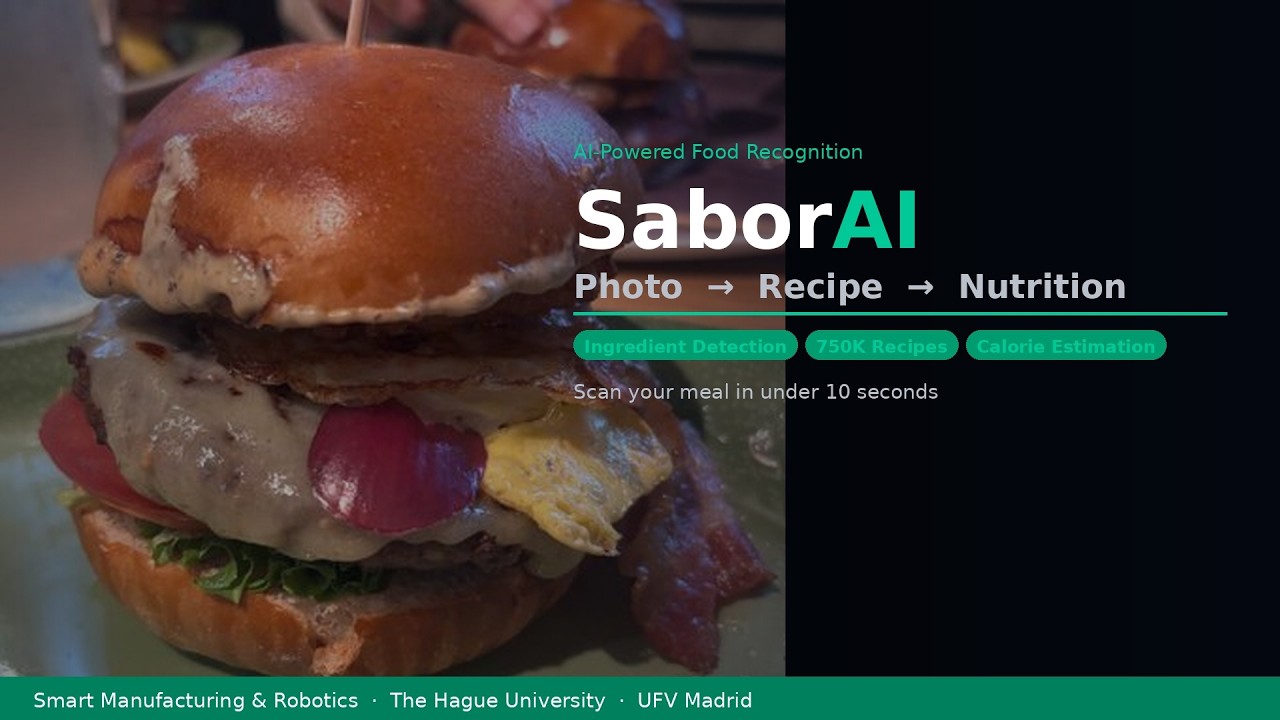
SaborAI Announces AI-Powered Meal Recognition App to Enable Health-Conscious Users to Instantly Know What They Are Eating and How Many Calories It Contains
SaborAI turns any meal photo into a full nutritional breakdown, ingredients, recipe, calories, protein, carbs and fat, in under 10 seconds, directly from your phone.
Laura García & Ana Rueda · AI Systems Engineering, UFV Madrid · Smart Manufacturing & Robotics, The Hague University
June 2026 · Smart Manufacturing & Robotics Minor, The Hague University of Applied Sciences
Overview
SaborAI is a mobile-first web application developed by Laura García and Ana Rueda as part of the Smart Manufacturing & Robotics minor at The Hague University. The app uses computer vision and natural language processing to detect ingredients from a meal photo, match them against 750,000 real recipes from the RecipeNLG dataset, and estimate the nutritional content based on the selected recipe and number of servings. The entire process takes under 10 seconds and requires no manual data entry from the user.
The Problem
- People who want to track their calorie intake face a frustrating daily challenge: estimating what they are eating from a photo or memory is time-consuming and inaccurate.
- Existing nutrition apps require users to manually search for each ingredient, select portion sizes, and enter data — a process so tedious that most people abandon it within days.
- Recipe databases like RecipeNLG contain hundreds of thousands of dishes, but none of them include exact quantities in grams, making automated nutritional calculation impossible without an additional estimation layer.
- When AI systems try to identify dishes and calculate nutrition automatically, they frequently make errors that the user cannot detect or correct, leading to untrustworthy results.
The Solution
SaborAI solves all four problems with a single, elegant pipeline. A photo is all the user needs to start.
- GPT-4o Vision detects the visible ingredients in under 3 seconds, eliminating manual search.
- A semantic embedding matching system using
all-mpnet-base-v2finds the top 5 most similar recipes from 750,000 options in under 3 seconds, handling regional name variants like aubergine vs. eggplant that keyword systems miss. - The user confirms the correct recipe, keeping them in control and ensuring accuracy.
- GPT-4o then estimates realistic ingredient quantities based on the recipe and serving count, producing calorie, protein, carbohydrate and fat values that are clearly labelled as estimates.
How It Works
- Open the app at http://100.29.246.139:8501 on any device.
- Upload or take a photo of your meal.
- Review and edit the detected ingredients if needed.
- Select the recipe that best matches your meal from the top 5 suggestions.
- Enter the number of servings.
- Get your full nutritional breakdown instantly.
FAQ
What does SaborAI do?
SaborAI takes a photo of a meal and returns the detected ingredients, the top 5 matching recipes from the RecipeNLG dataset, and an estimated nutritional breakdown including calories, protein, carbohydrates and fat, all in under 10 seconds.
How accurate is the nutritional information?
The values are estimates. RecipeNLG does not include exact ingredient quantities, so SaborAI uses GPT-4o to generate realistic quantity estimates based on the recipe and the number of servings entered by the user. Results are labelled clearly as estimates, not medical-grade values.
Why does the user have to select the recipe manually?
Automatic recipe selection would introduce errors that the user cannot detect. A bowl of rice with chicken could match dozens of different recipes. By showing the top 5 matches and letting the user confirm, SaborAI ensures the nutritional calculation is based on the correct dish.
What dataset does SaborAI use?
SaborAI uses RecipeNLG, a public dataset containing approximately 2.2 million recipes. 750,000 recipes were loaded into a local DuckDB database for matching. The dataset provides recipe titles, ingredient lists and cooking directions, but not ingredient quantities in grams.
What is semantic embedding matching and why is it better than keyword search?
Keyword search only finds exact word matches. If the app detects “aubergine” but the recipe says “eggplant”, keyword search returns no match. Semantic embedding matching converts each ingredient into a 768-dimensional vector using the all-mpnet-base-v2 model. Ingredients that mean the same thing end up with similar vectors, so aubergine and eggplant match correctly. The system also applies an IDF penalty to reduce the score of recipes that contain distinctive undetected ingredients such as bacon or pepperoni.
What technology does SaborAI use?
- Python
- GPT-4o (OpenAI API) for vision and text
- Sentence-transformers
all-mpnet-base-v2for semantic matching - DuckDB for recipe database
- Streamlit for the web interface
- AWS EC2 t3.large for hosting
- RecipeNLG dataset
Can the app crash with many simultaneous users?
During the class demo, the app experienced an out-of-memory crash when approximately 30 users connected simultaneously. This was caused by the embedding model consuming approximately 1.8GB of RAM at peak load, exceeding the capacity of the original t3.medium instance. The system has since been upgraded to a t3.large instance with 8GB of RAM and 4GB of swap memory configured, making simultaneous crashes significantly less likely under normal usage.
Is the app available for everyone to try?
Yes. The app is accessible at http://100.29.246.139:8501 from any device with an internet connection. The source code is available at github.com/lauragarciaolles/SaborAI.
SaborAI_Press_Release.pdf (96.6 KB)